Decorative Pedestal Fans

126 Ideas by Peyton Robinson

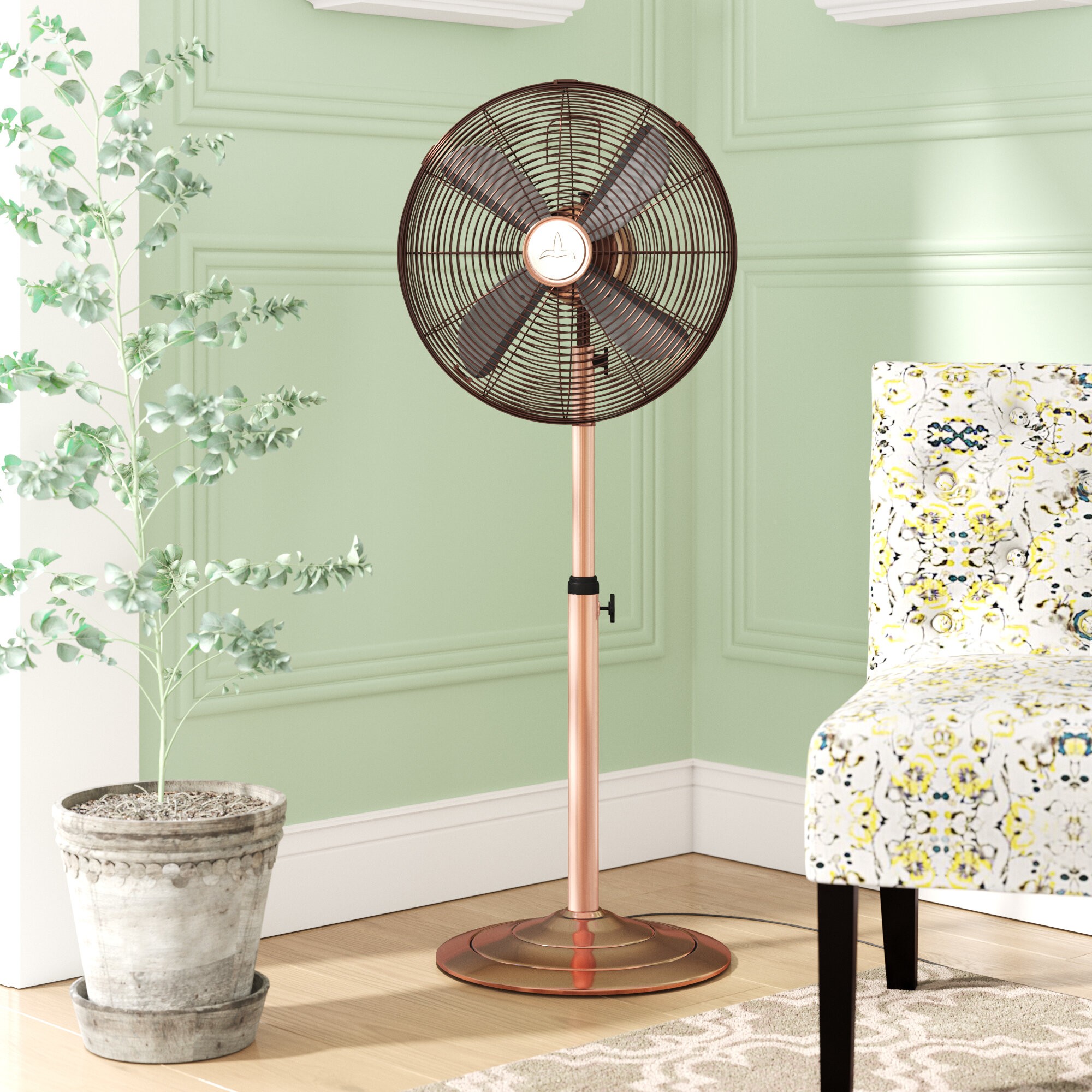
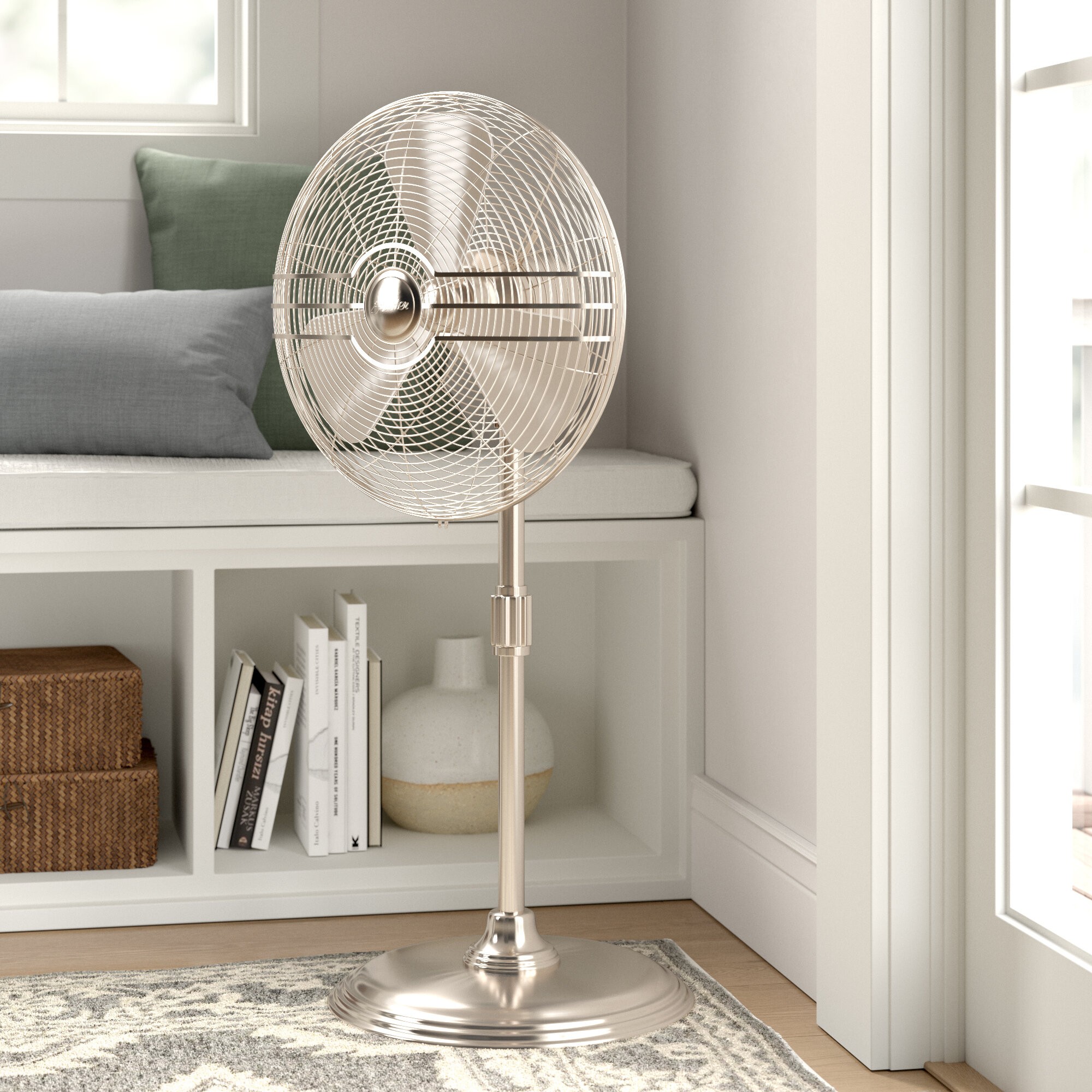
We've all seen the standard pedestal fans in white and cream and black and steel, but have you seen decorative pedestal fans better designed not only to blow cool air on a hot day but also to accent the space they are cooling. These are great for adjusting the aesthetic of your area. If you are in the market for a pedestal fan that is more attractive than the usual boring models, take a look at our collection.
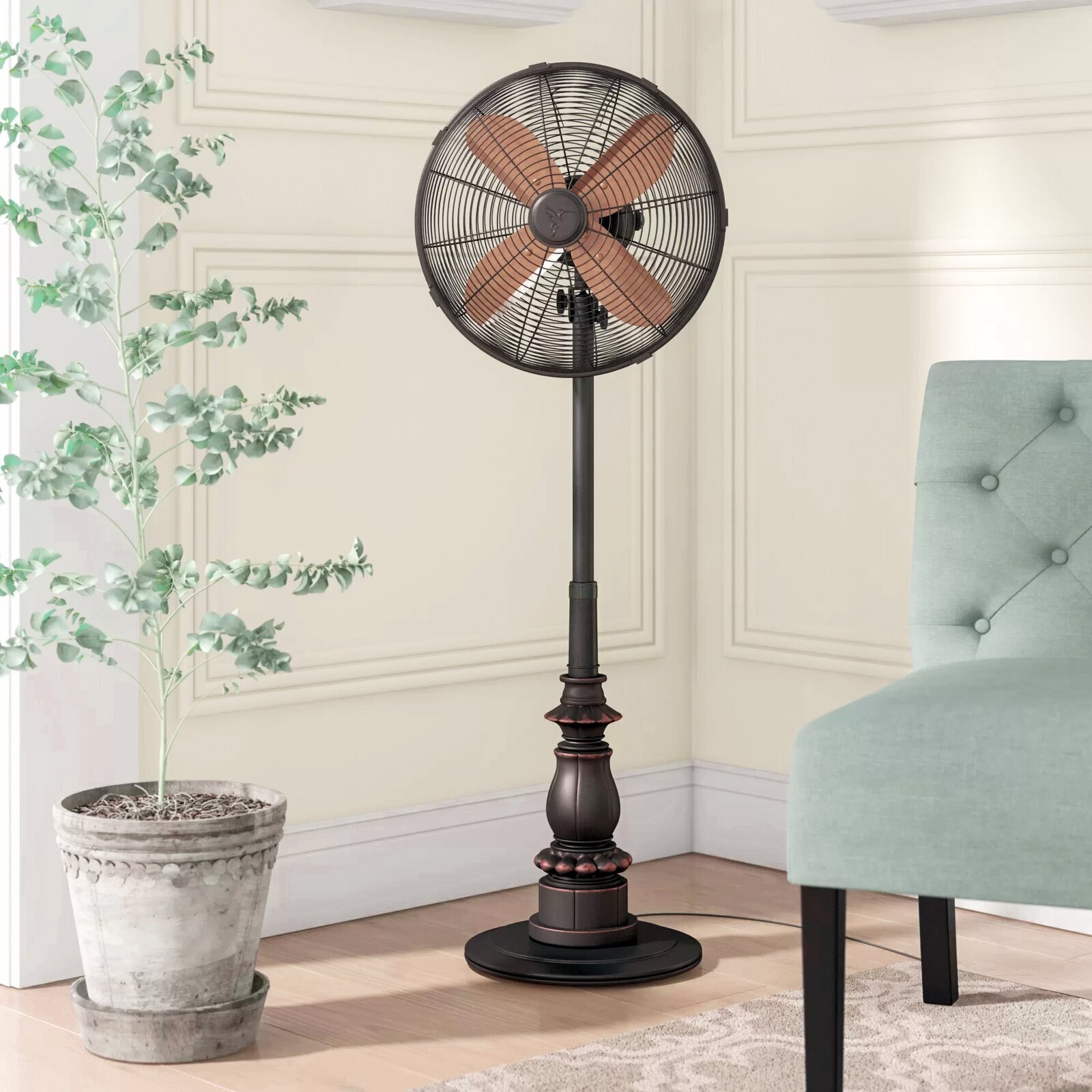
Decorative pedestal fans 5

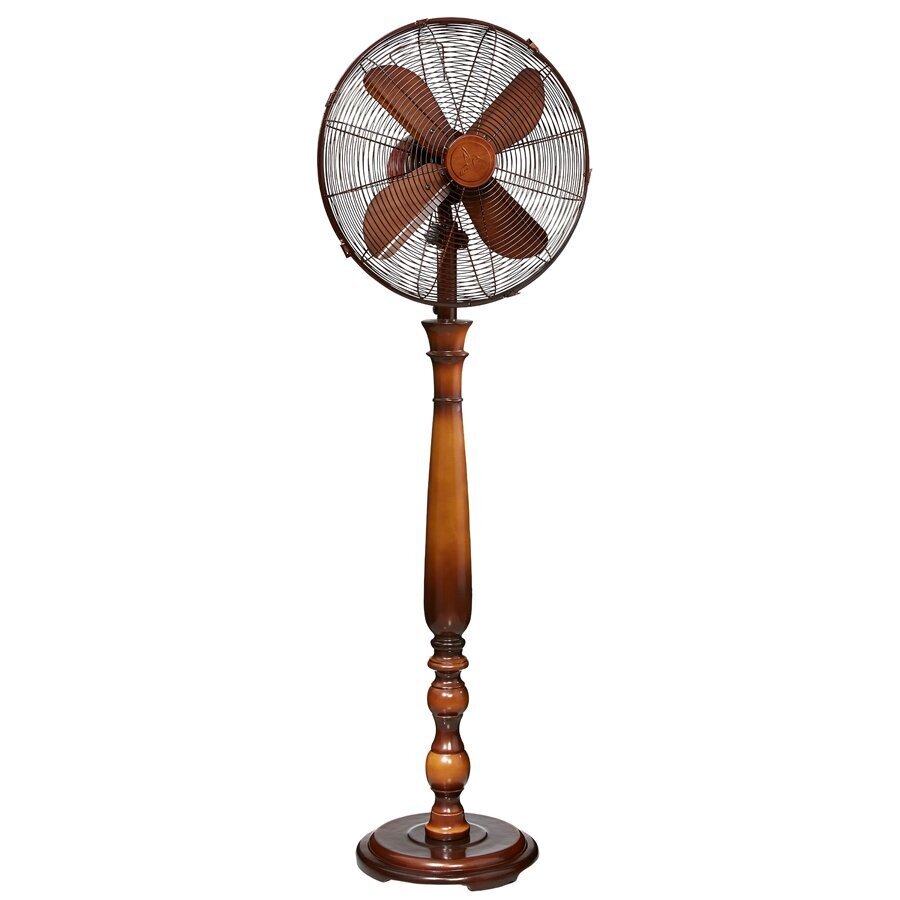
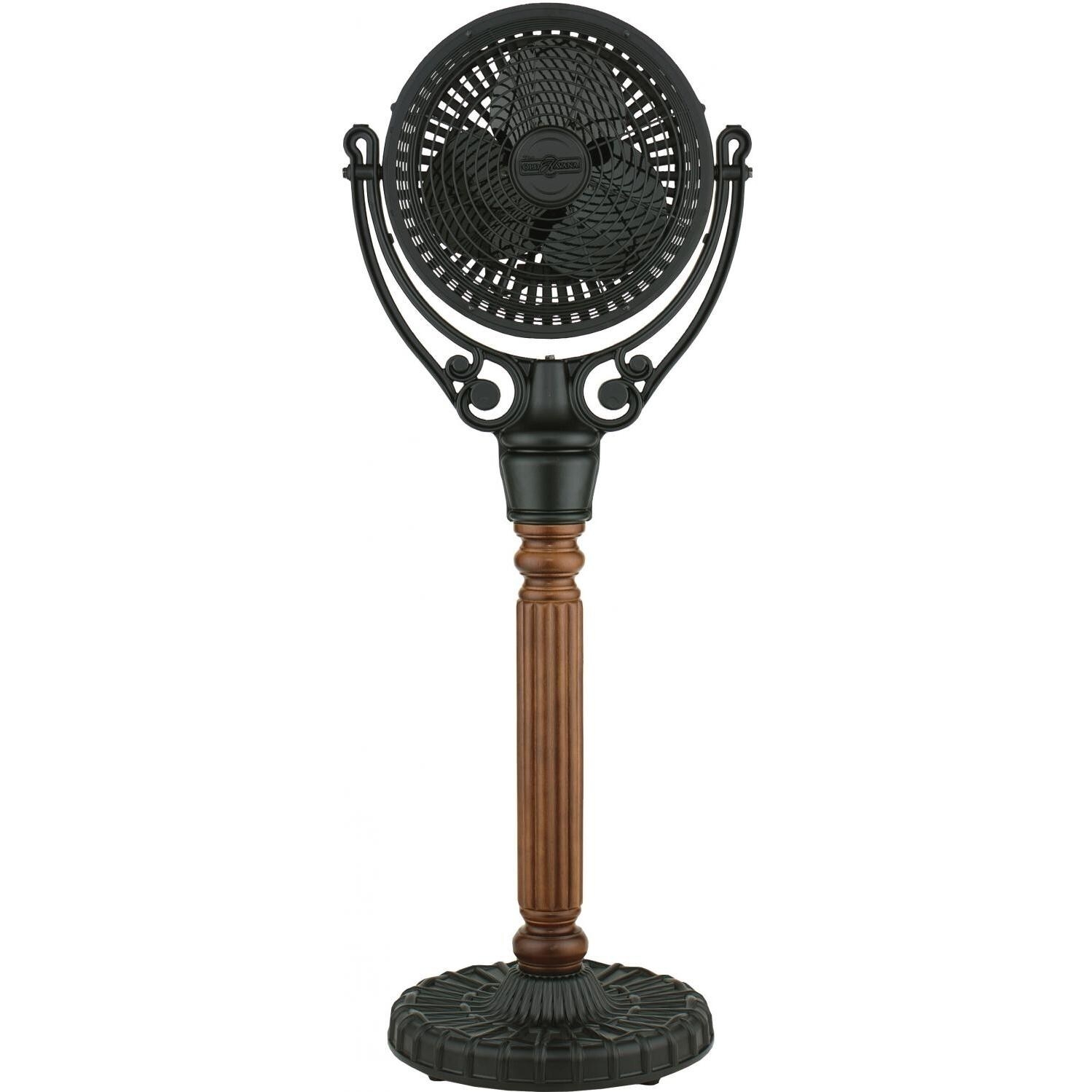
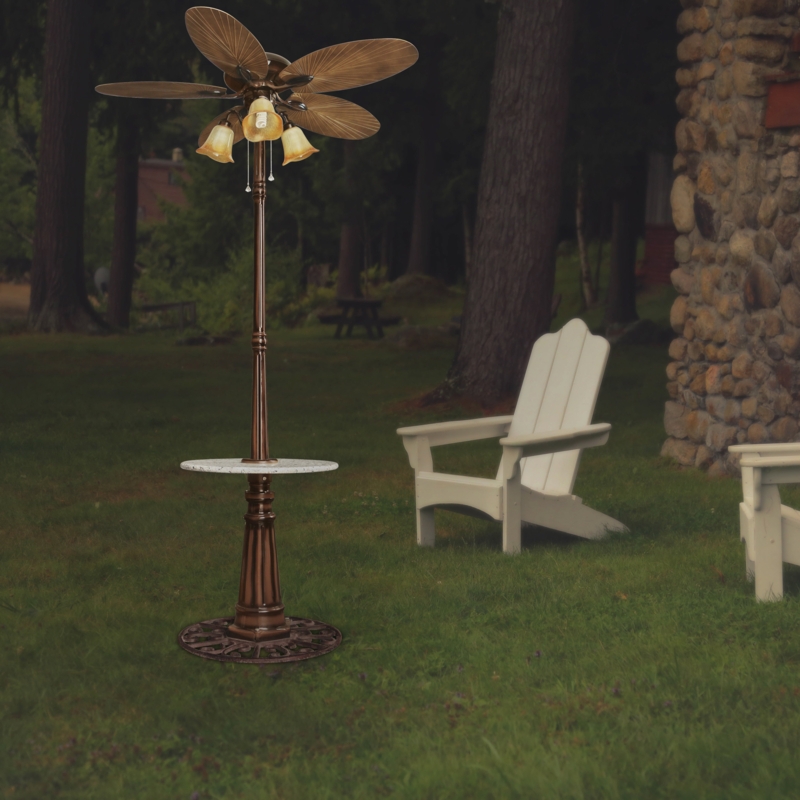
Old Havana pedestal fan will embody the cool, retro and tropical vibe. It features 3-speed levels, a 90 x 20 non-oscillating motor and a swivel fan head, based on a carved wood pedestal post.
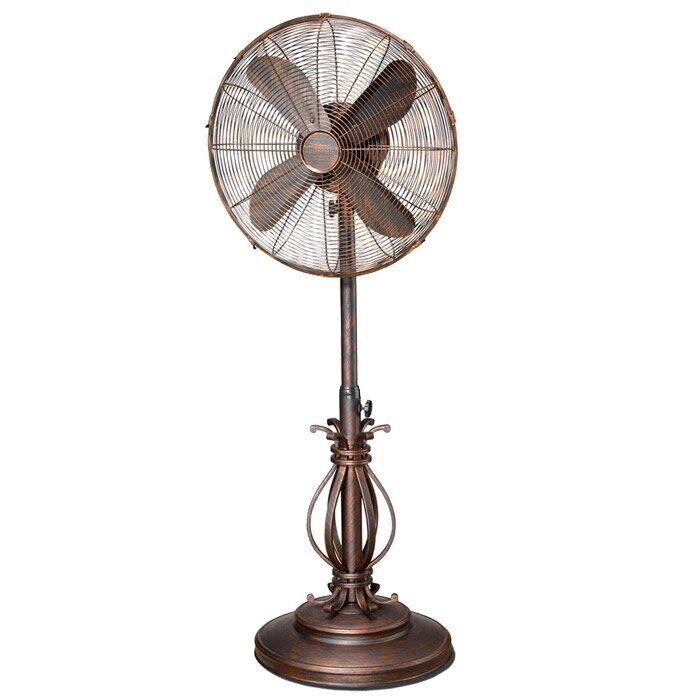
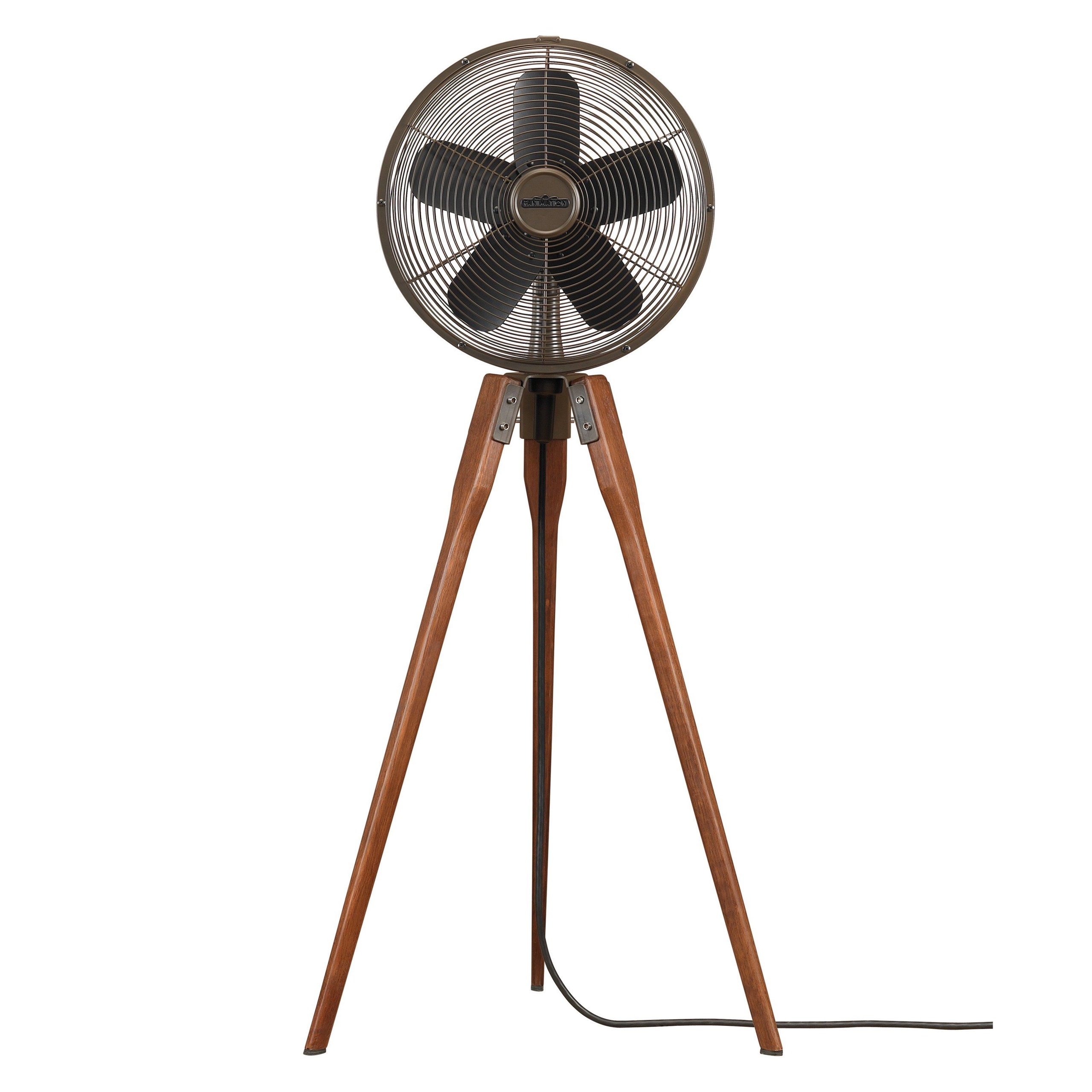
Fanimation arden pedestal fan 3

Fanimation Arden Pedestal Fan

Decorative pedestal fans

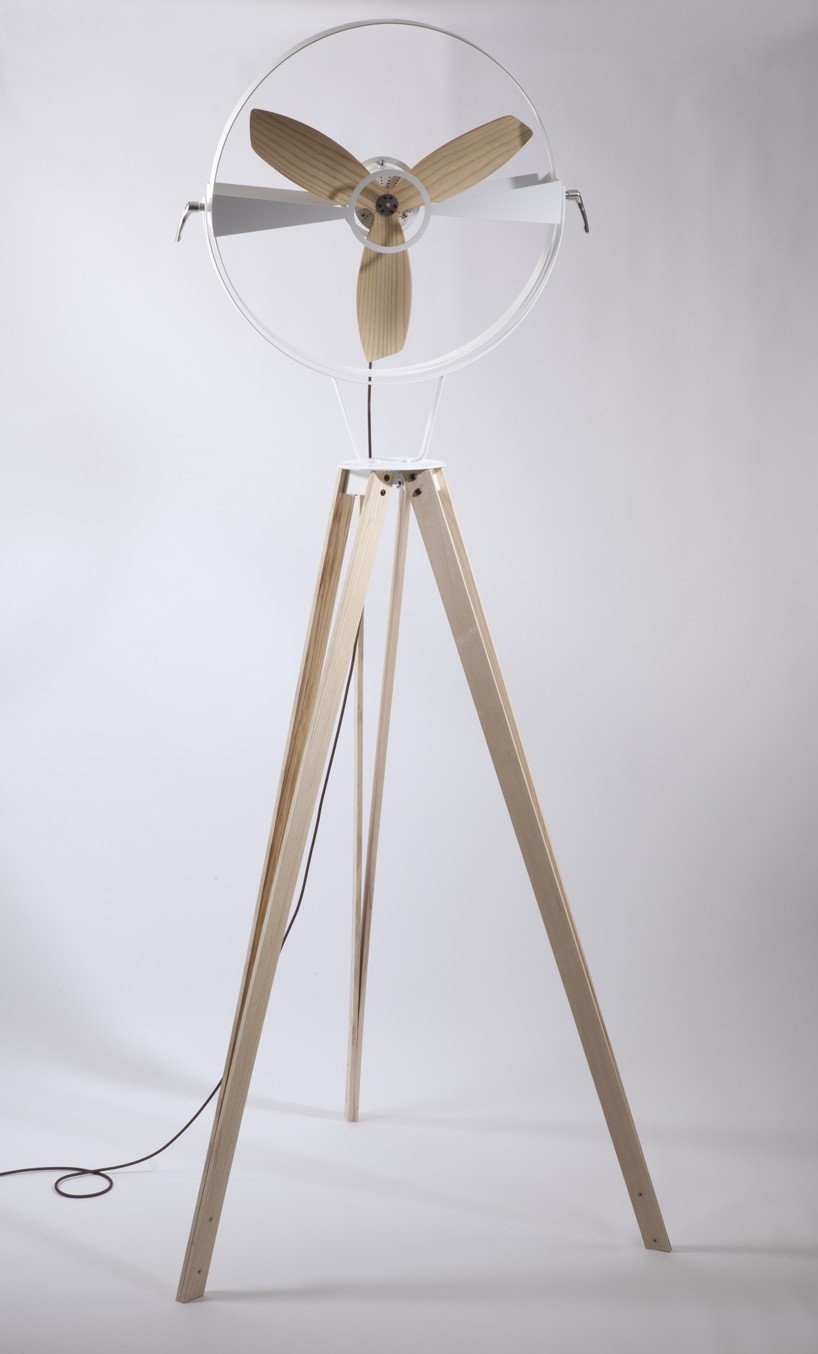
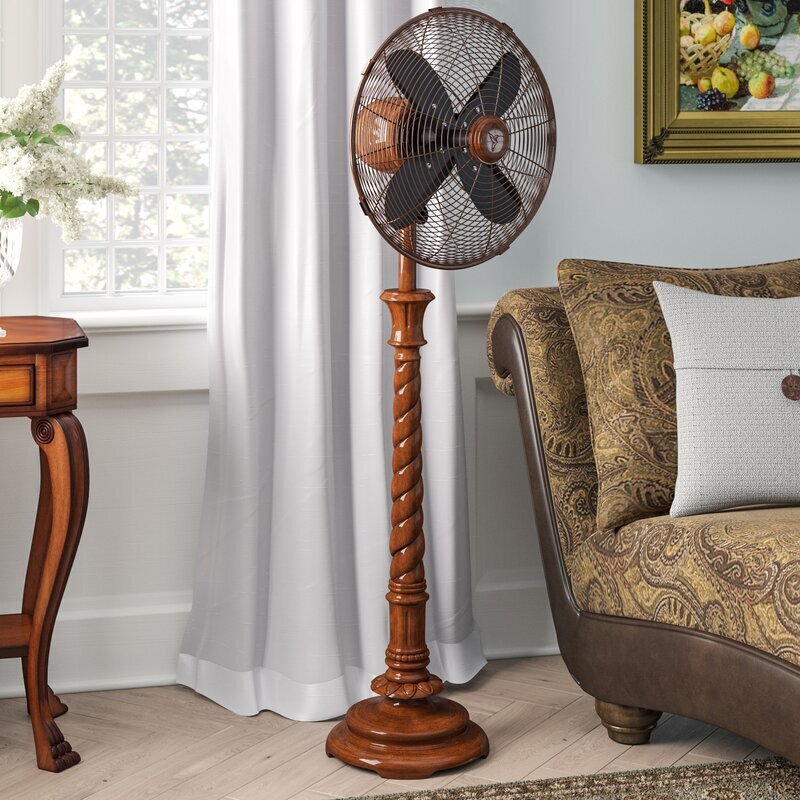
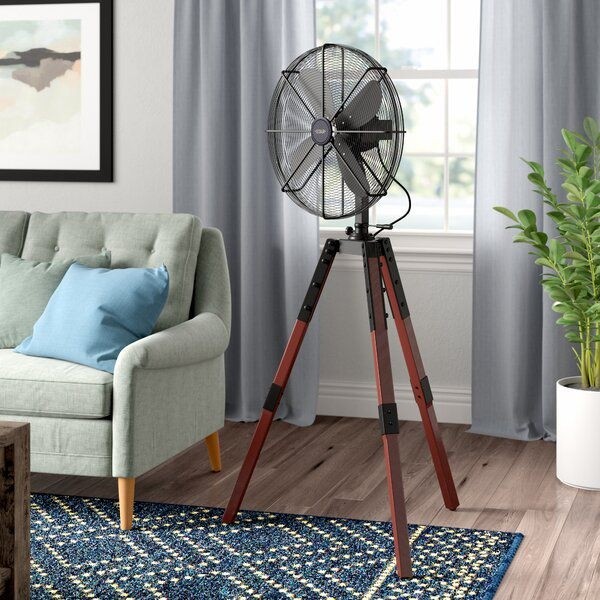
Vintage, mid-century design for a free-standing decorative pedestal fan with a light wood frame. The fan itself is also made out of wood, which creates a unique appearance but may not be safe to use due to its fragility.
Decorative pedestal fans 3

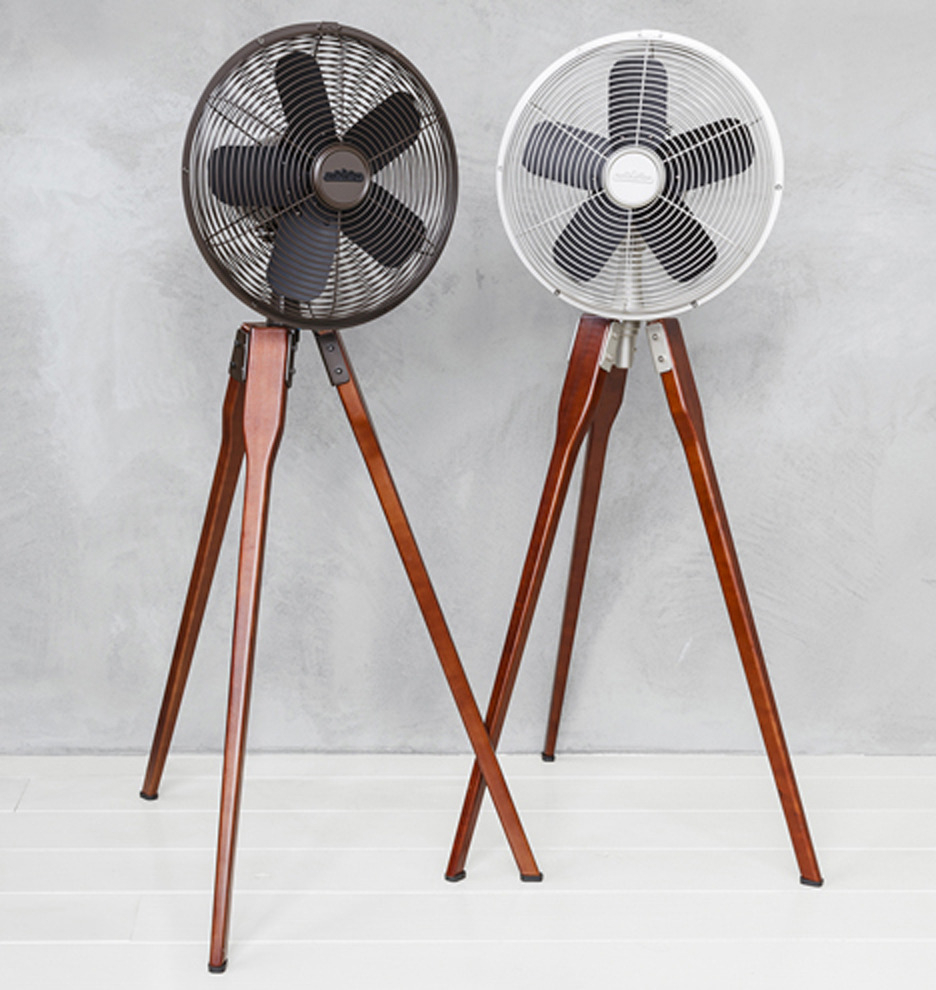
Mid century-ish fan? Oscillating. Almost 44" high--is that tall enough? 14.53" wide--is that wide enough? Does it look top-front-heavy? Spritely looking legs. Arden Pedestal Fan | Rejuvenation
Creager 16" Oscillating Floor Fan

Creager 16" Oscillating Floor Fan

Upgrade your living space with this portable standing floor fan. The adjustable height setting lets you tailor it to suit your own space. Four plastic blades move air softly, creating calming, soothing white noise perfect for when sleeping. Moves a whopping 6,800 CFM at its highest speed, which is sufficient enough to cool your whole room. Uses 45 watts of energy, thus, efficient. Using this fan outdoors is highly discouraged.
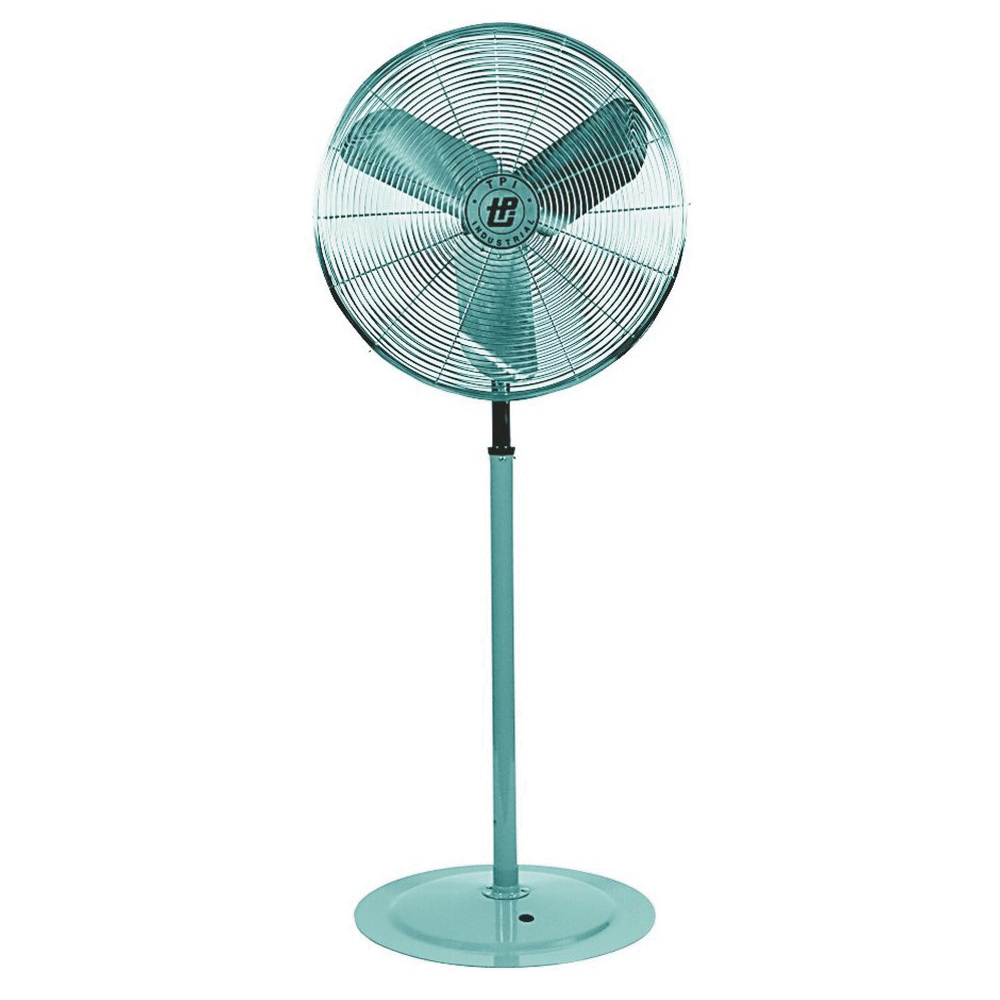
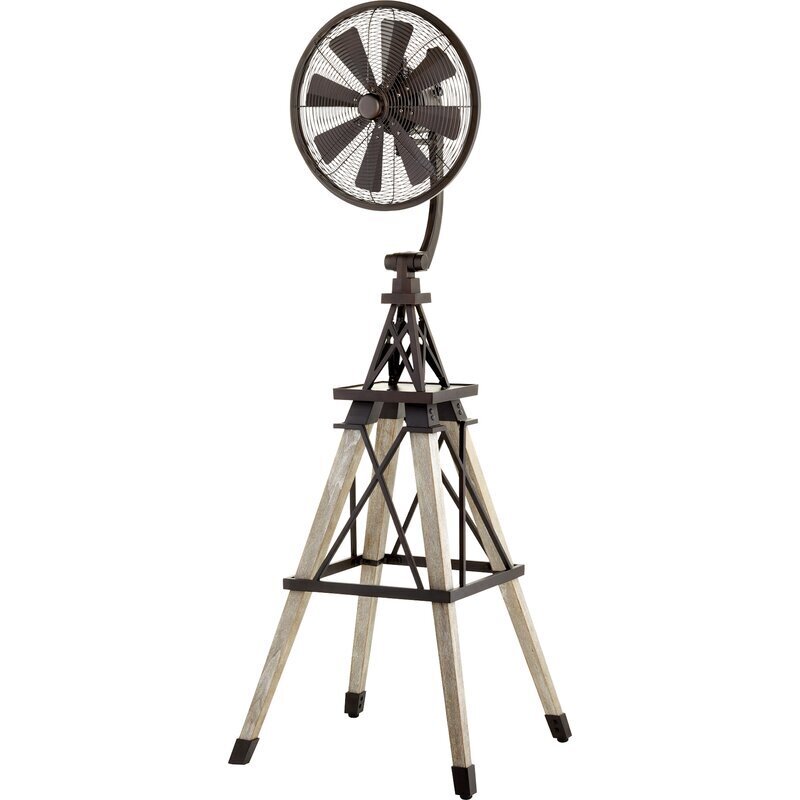
Pedestal fan 115v fan rental info ashleigh roberson

PEDESTAL FAN 115V fan rental info @Ashleigh Roberson
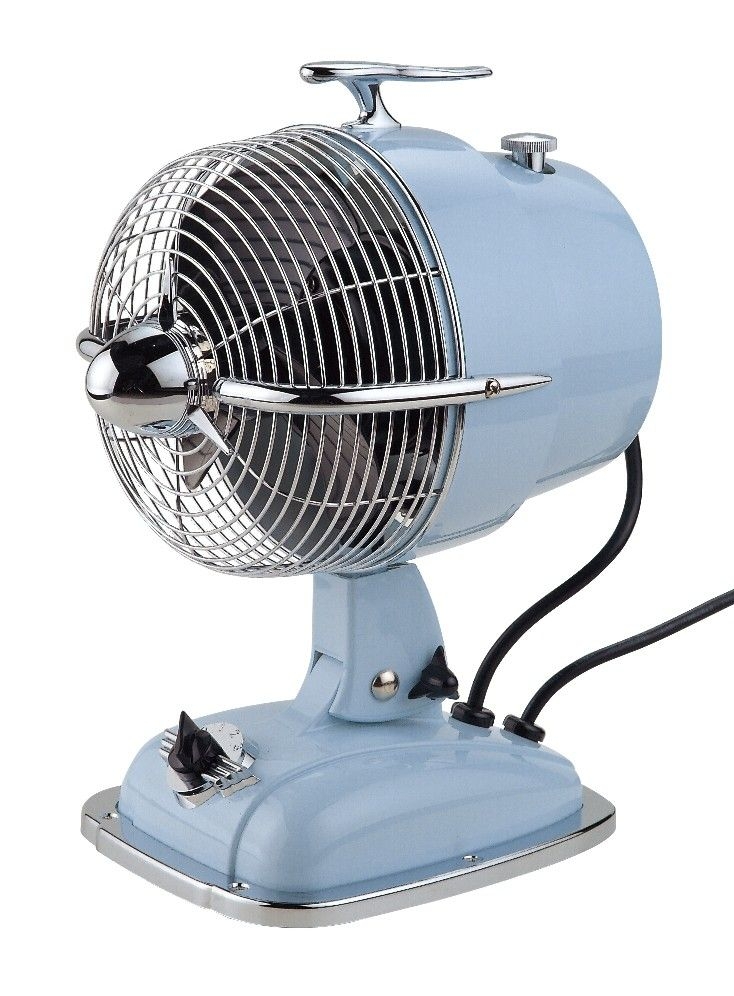
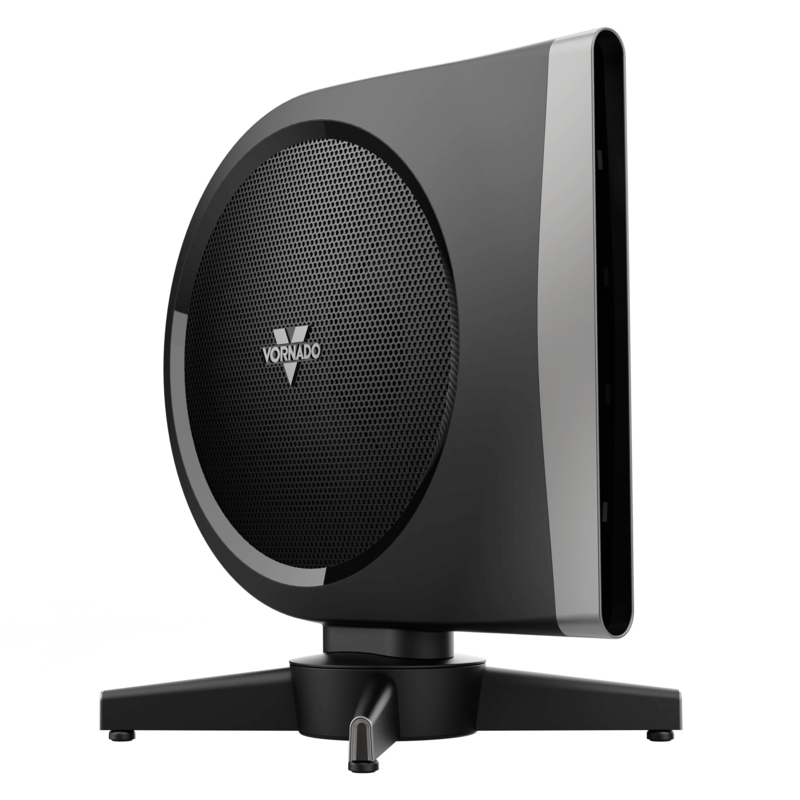
Table Fan
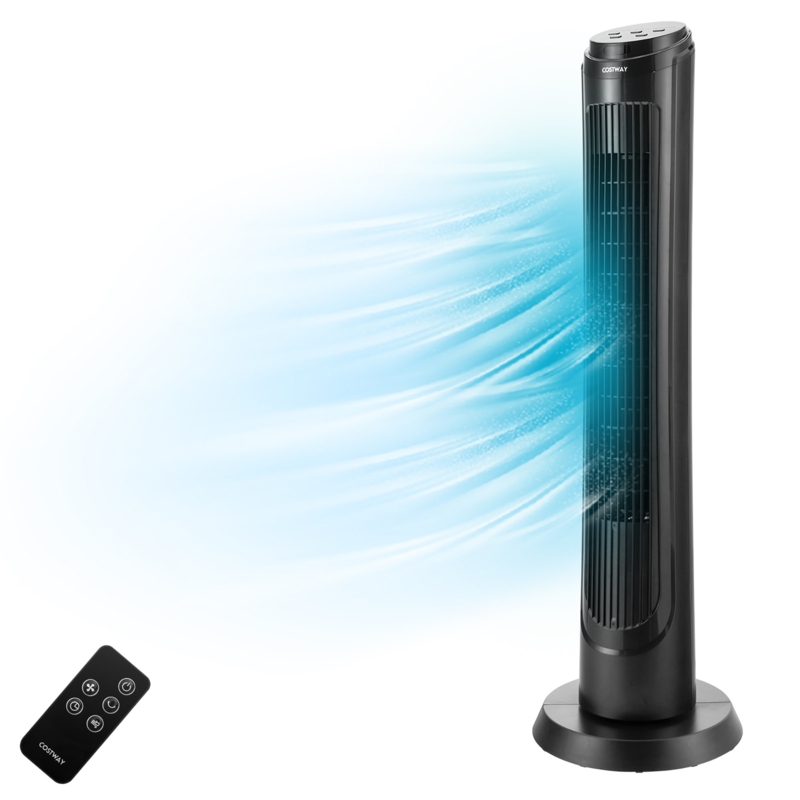
Table Fan

Decorative Pedestal Fans

Buying Guide


Having a table fan is a convenient, cheap and often necessary supplement to your normal cooling. When your A/C unit is simply not enough, is not fully functional or doesn't cool the room you're in, having a table fan is a useful backup.

Table fans belong to circulating fans category. As we read on the U.S. Department of Energy website, circulating fans include pedestal fans, table fans, floor fansand fans mounted to walls. They complement the existing air con system and natural ventilation and create a comfortable environment in your home with a pleasant "wind chill effect".

It may come as a surprise but using a table fan is not that expensive as, according to Eco Cost Savings expert, running a table fan continuously for 1 week costs $1.07 on average in the US. In terms of electricity usage, table fans do notuse a lot of electricity either and running an average table fan (42.5W) at max power for 24 hours equals the power consumed by an electric heater after running for 42 minutes.

Now, let's take a quick look at some of the things you'll need to consider when purchasing a table fan.

  • Table fans are a useful backup to your normal cooling system or if you haven't got any A/C system at all;

  • Pedestal fans offer significant airflow, easy maintenance and are relatively inexpensive; however, they can be noisy, bulky and spread dust and allergens;

  • Tower fans are allergy-friendly thanks to the ionization option; They offer space-saving designs and are quieter than the pedestal fans; however, their airflow is weaker than that of pedestal fans;

  • Air coolers suck in warm air and push out cooled air, providing a better cooling system than any other type of fans;

  • When choosing a table fan, you want a CFM (Cubic Feet per Minute) number to be high as this equals your fan's power;

  • Noise control, remote control and oscilation are the features to look for when shopping for a table fan.

There are actually quite a few types of fans available in the current market. Some designs allow the implementation of extra cooling or air conditioning technology, allowing fans to operate like portable A/C units. Here are the major types of fans available to date.

Pedestal fans

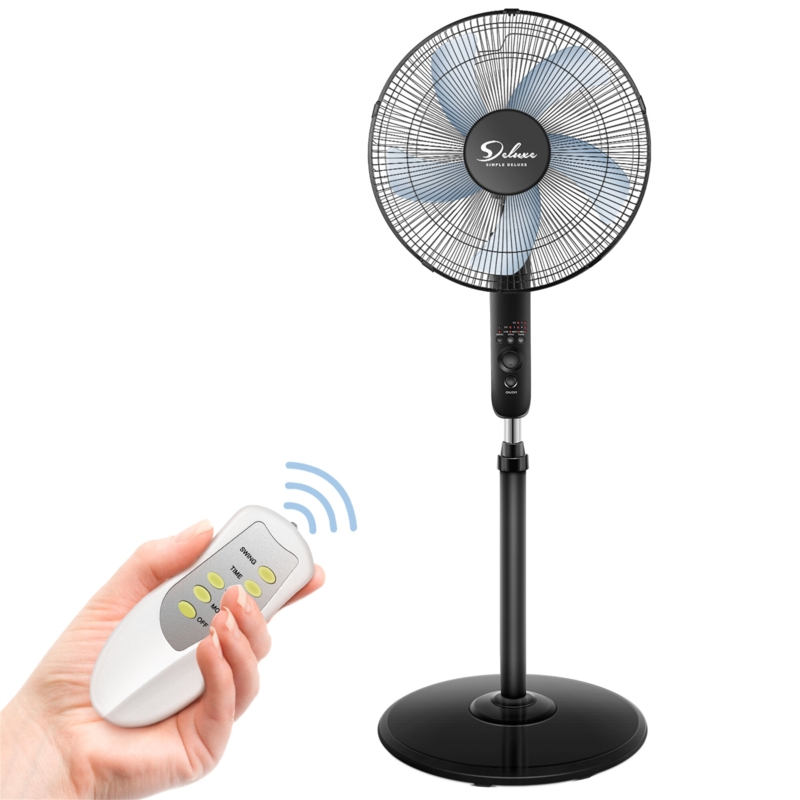
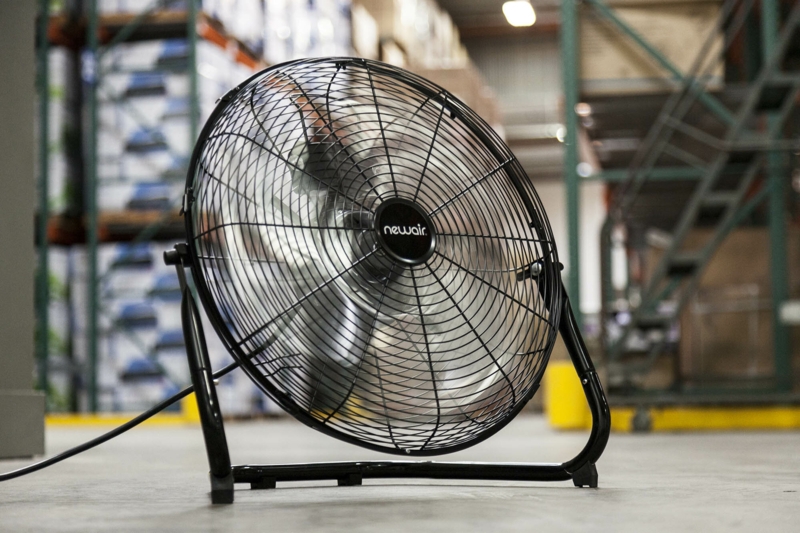
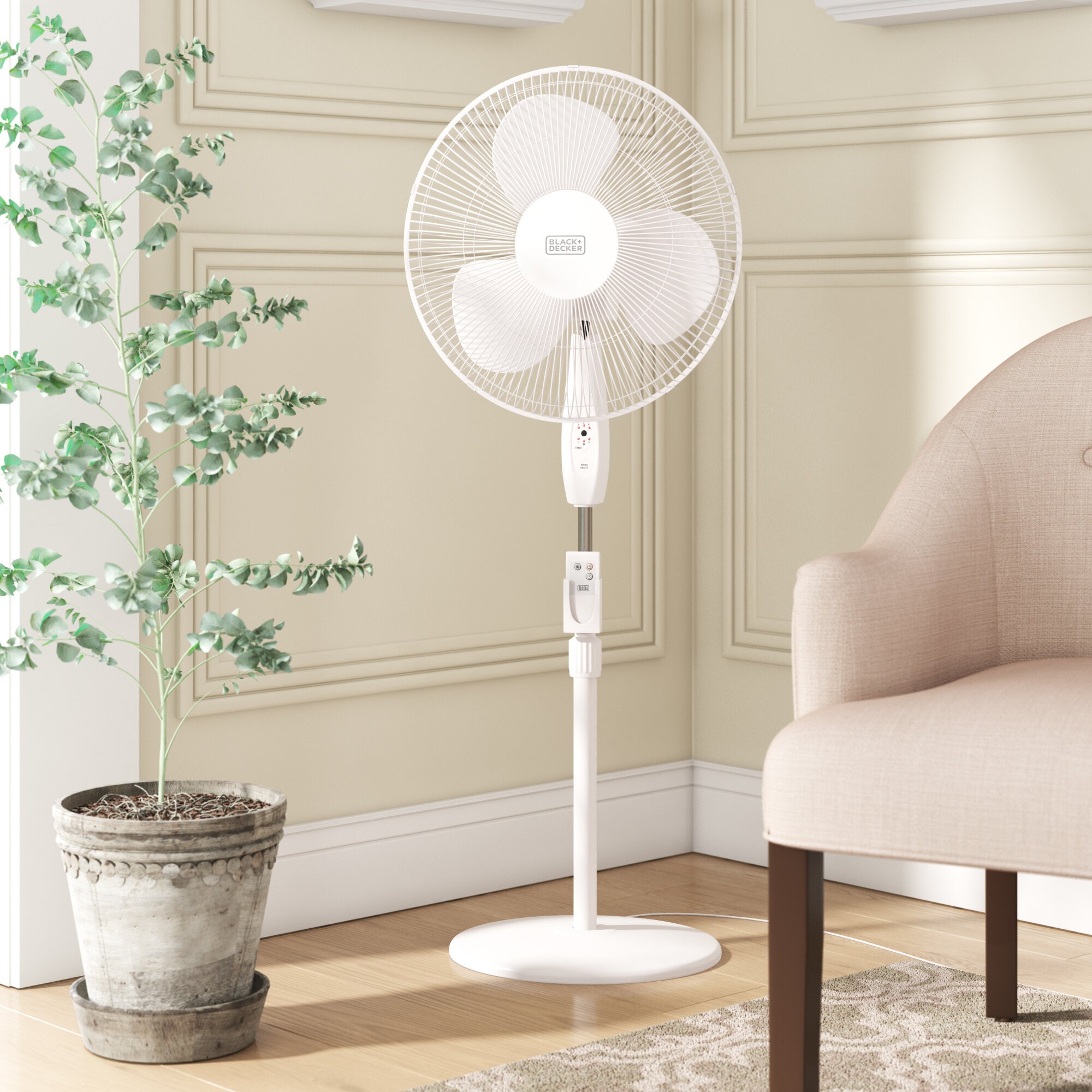
This is the type of fan that most people will be familiar with. Pedestal fans are normally the best-in-market when it comes to airflow in domestic settings. Though they aren't typically designed with "space-saving" front of mind, pedestal fans come in a variety of sizes that allow them to be useful tabletop counterparts.

Pedestal Fan Pros:

  • Significant airflow
  • Easy setup and maintenance
  • Budget-friendly

Pedestal Fan Cons:

  • Can be noisy
  • Not necessarily space saving
  • Limited Features
  • Can move dust and other allergens along with air

Tower Fans

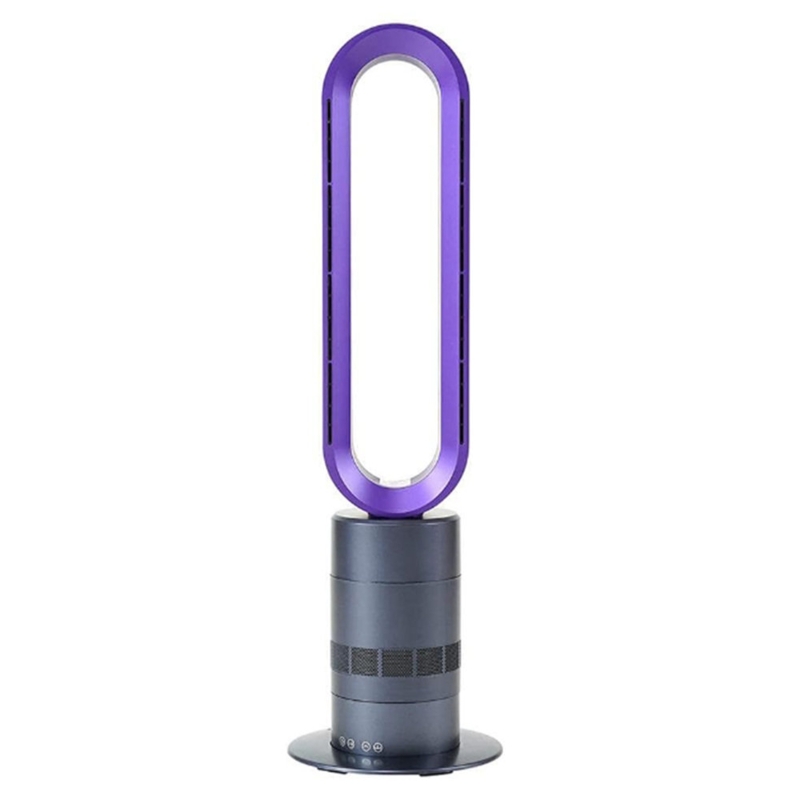
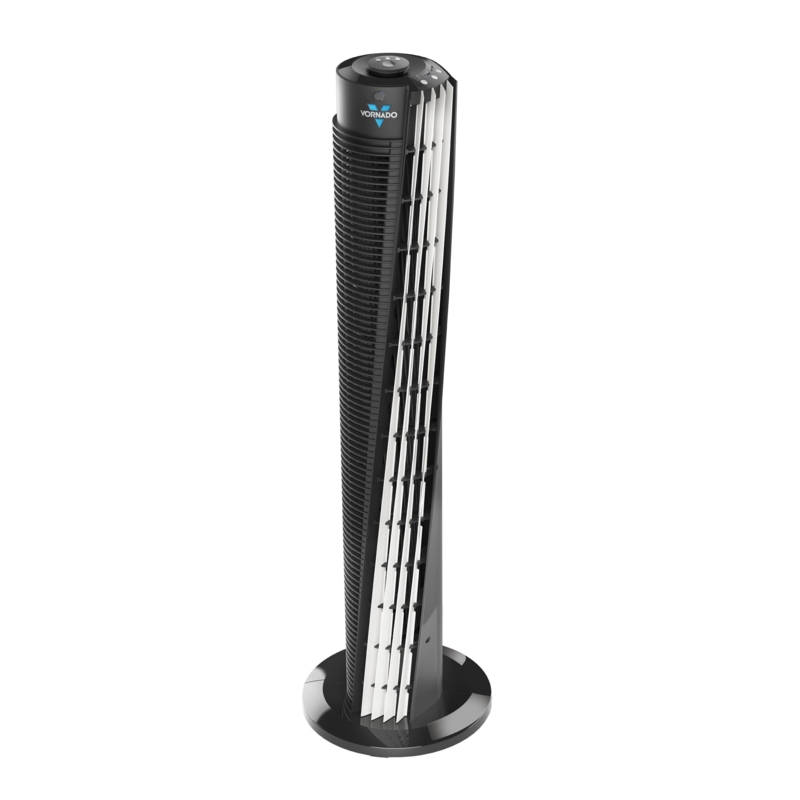
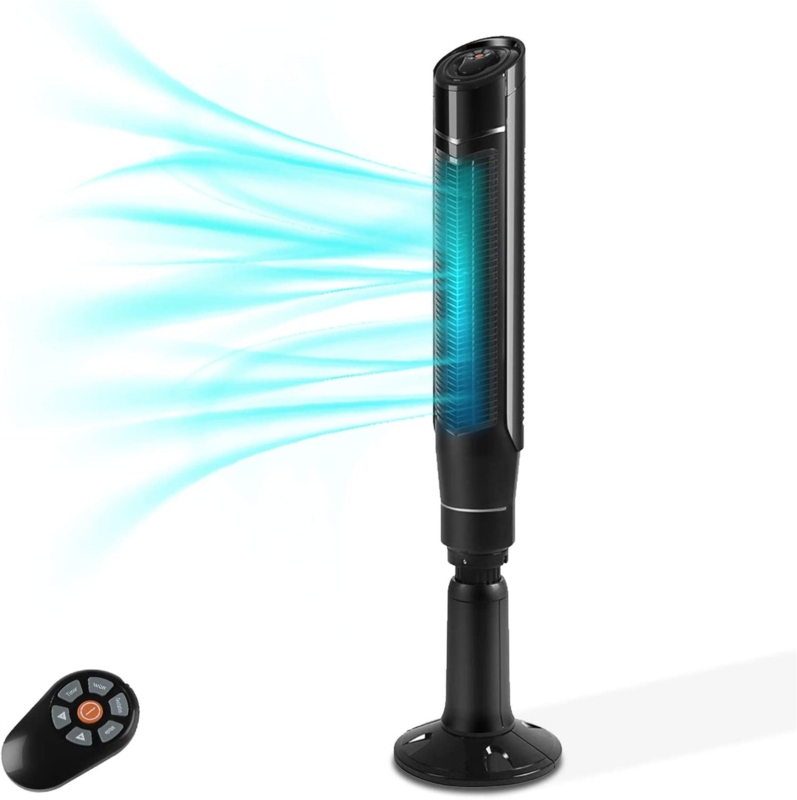
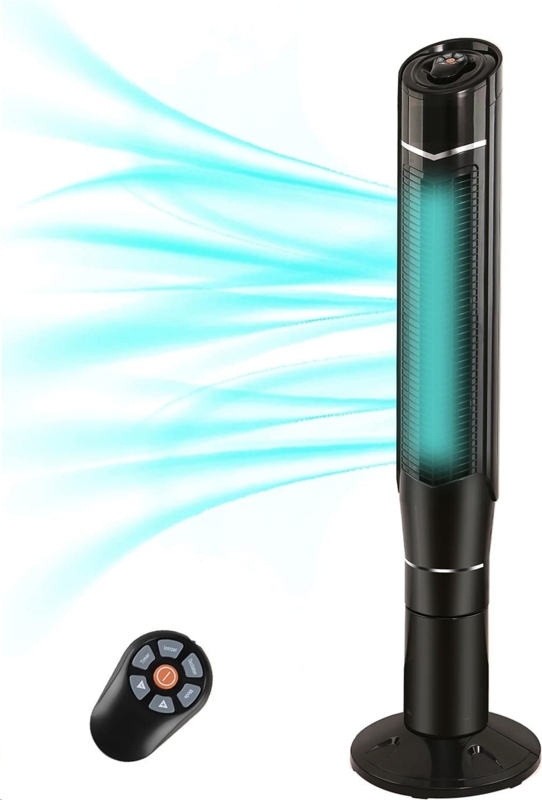
Tower fans are generally designed to conserve as much space as possible while maximizing airflow. They look like small rotating towers on a fixed base and have air inlets along their sides and outlets along the front. This allows for a large amount of air to be cycled through the unit at any point in time.

Tower fans are more feature-rich than their pedestal cousins and often are easier to clean. Instead of needing to fully dismantle the fan's grill in order to clean it - you can simply use a cloth and wipe along the grill surface.

Some tower fans come with ionizers, which can make a big positive impact on individuals who suffer from allergies. To keep a long story short, ionizers shoot negatively charged particles in the air, which then stick to dust and other allergens, causing them to stick to surfaces or the floor- instead of being inhaled.

Tower Fan Pros:

  • Allergy-friendly
  • Usually quiet
  • Space-saving design
  • Easy to clean

Tower Fan Cons:

  • Not as much airflow as pedestal fans
  • Work better in cool, dry environments

Air Coolers

Air coolers are one of the most recent additions to the domestic and commercial fan family. Normally, air coolers function by pulling in warm air through impellers, pushing that air over a wet, cooling medium then distributing that air around the room in which they are placed. Recently, air coolers have been becoming smaller and smaller, some of them can be powered by the USB ports on your laptop - making them incredibly convenient to move around with.

Air Cooler Pros:

  • Better cooling power than other types of fan
  • Distributes cool air evenly

Air Cooler Cons:

  • Can be noisy
  • Typically, not designed for style

Since you've now been introduced to the major types of fan available, the next logical question is - how strong does my fan need to be?

  • Cubic Feet per Minute

Cubic feet per minute or CFM is one reliable measure of your fan's power. CFM tells you how much air your fan can move at any point in a 60 second period. Essentially, you want this number to be as high as possible, though the higher this number goes - the more potential for noise there will be.

A very useful feature when it comes to the power of your fan, is being able to control the power level i.e. having a choice of fan speeds. One of the experts at which.co.uk states:

"More control over the air movement means you're more likely to be comfortable, and not feel either irritated by a too-powerful blast (and the accompanying noise) nor to feel like your fan isn't doing anything to cool you."

  • A Helpful Rule of Thumb for Balancing Power and Noise

If you're not a fan of the white noise produced by table fans, then you may want to consider getting a fan with long blades AKA a wide diameter. As a rule, the bigger a fan is, the quieter it is. So, if you're considering a powerful tabletop fan like one with a 400 or more CFM rating, then try finding a model that is 12 inches or more in diameter.

Of course, this specific example may not fit your situation. For instance, a 12-inch tabletop fan might be unreasonable if your desk has multiple monitors or other space limiters.

You can use this rule as a yardstick to know if you are really getting a quiet fan or not. A 6-inch fan, with a 500 CFM rating is almost guaranteed to be very loud. For specifics, you can always double-check the noise level of your fan from the manufacturer specifications.

Modern fans are feature-rich and when it comes to table fans, there are a few features you should pay special attention to. Let's take a quick look at them below. 

Noise Control Modes

  • Many table fans come with a noise prevention mode, and this can be an especially useful feature to have if you have noise-sensitive work like a digital meeting. Editors, music professionals or people who simply don't enjoy the white noise that table fans produce can find a lot of value in this simple feature. Be sure to pay attention to manufacturer specifications to find out if your fan has a noise control mode.

Remote Controls

  • You may think having a remote control can be excessive - after all, your fan should be within arm's reach so long as you're at your table. While this may be true, having a remote control can still come in handy if you're the type of person who plans in advance.

  • If, for example, you work at home, you can use your remote control to start your fan a few minutes before you sit down to work. While you're drinking your coffee or finishing off your workout, your fan will be hard at work cooling and preparing your space for your arrival.

Oscillation

  • Oscillation is usually best utilized when you're trying to cool an entire room but can still be useful in a table fan. Table fans help you to cool by increasing the rate that sweat evaporates and by forcing air to move quickly over your skin. Both processes remove excess heat from your body, causing you to cool down over time.

  • If you've ever sat in front of a powerful fan for an hour or two, you know that things can get chilly. Especially in the evening or at night. Having an oscillator function on your table fan can be a convenient way to keep yourself cool, without getting a chill. Since the stream of air will not constantly be on your skin, your body will hold on to a reasonable amount of heat, keeping you at an optimal temperature.